Patrol vs Maestro for Flutter E2E Testing: Gray-Box Dart Access vs Black-Box YAML
Flutter teams usually hit the same wall: integration_test is fine until a permission dialog, a WebView, or a “works on my emulator” flake shows up. Then someone asks whether to adopt Patrol or Maestro.
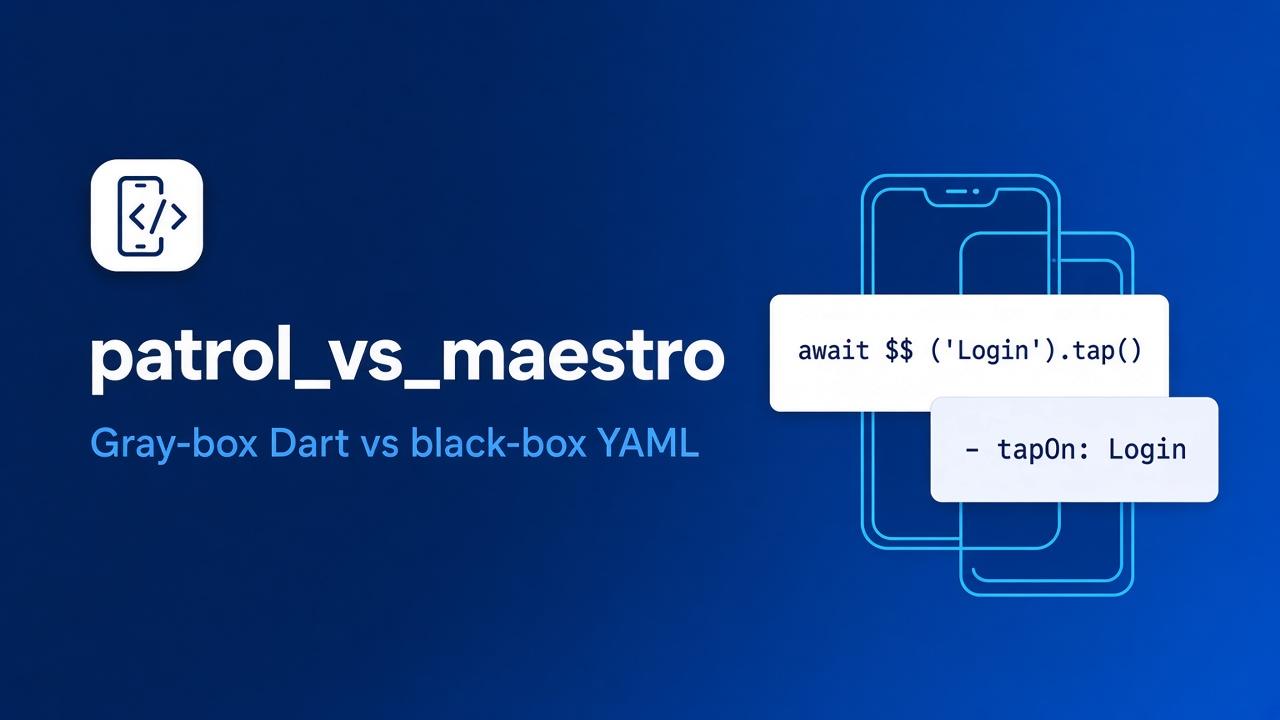
They solve the same problem with opposite designs. Patrol is gray-box: Dart tests run inside the app process. Maestro is black-box: a CLI drives the installed binary through the accessibility / semantics tree with YAML flows. That split—not a feature checklist—decides selectors, mocks, CI farms, and who can maintain the suite.
This guide compares both for Flutter E2E with concrete code, a decision table, and a pick-by-situation checklist. For Patrol on permissions, WebViews, and biometrics, see Patrol native dialogs guide. For sandbox purchases, see Flutter IAP testing. For where mobile E2E sits in a portfolio, see Modern Test Pyramid 2026.
The one architectural decision
| Patrol | Maestro | |
|---|---|---|
| Where the test runs | Inside the app process (gray box) | Outside the app via accessibility / semantics (black box) |
| Language | Dart | YAML (+ JavaScript for logic) |
| Sees | Widget tree, Keys, injected state / mocks | What TalkBack / VoiceOver-style APIs expose |
| Setup | Project integration (patrol package, native runners) | CLI install; no pubspec change required |
| App under test | Built with your test harness | Any installed APK / IPA you hand it |
Gray box buys the inside of the app: Keys, cubits, seed data, hardware mocks. You pay by living in the process—you need source integration, and cold restart-from-outside is not the natural model.
Black box buys independence: smoke any binary, restart the app mid-flow, reuse the same style of flow on Flutter, native, or React Native. You pay with no Dart state access and selectors that depend on semantics, not Flutter Keys.
Neither is “more correct.” Pick the trade you can live with for years.
What Patrol is (gray-box Dart)
Patrol (open source, LeanCode) extends Flutter’s integration-test model. Tests are Dart. They compile into native Android / iOS test artifacts and can talk to OS UI through UiAutomator (Android) and XCUITest (iOS): permissions, notifications, WebViews, connectivity, GPS mocking, and more.
Selectors use what your app already has: Keys, widget types, text, or other widget properties. Keys survive copy and localization changes when you keep them stable.
await $.pumpWidgetAndSettle(const MyApp());
await $(#email).enterText('user@example.com');
await $(#password).enterText('secret');
await $(#loginButton).tap();
await $(#homeScreen).waitUntilVisible();
Reuse is normal Dart:
Future<void> logIn(
  PatrolIntegrationTester $, {
  required String email,
  required String password,
}) async {
  await $(#email).enterText(email);
  await $(#password).enterText(password);
  await $(#loginButton).tap();
  await $(#homeScreen).waitUntilVisible();
}

// in a test
await logIn($, email: 'user@example.com', password: 'secret');
Because the test shares the process, you can seed a logged-in session, swap a repository for a fake, or force airplane mode without clicking through every system screen—when you wire those hooks in the app under test. That is the gray-box escape hatch black-box tools do not get.
What Maestro is (black-box YAML)
Maestro (open source core from mobile.dev; Cloud is paid) drives the installed app. Flows are YAML. The runner sends taps and text from outside and asserts on what the semantics tree exposes—the same layer assistive tech uses.
No Flutter package is required. You point Maestro at a built APK or IPA. That is why it also works for native and React Native with the same mental model.
appId: com.example.myapp
---
- launchApp
- tapOn: "Email"
- inputText: "user@example.com"
- tapOn: "Password"
- inputText: "secret"
- tapOn: "Log in"
- assertVisible: "Welcome"
Flutter Keys are not visible to Maestro. Official guidance is to use text, semanticLabel, or Semantics(identifier: ...) (Flutter 3.19+) and target id in the flow. If product copy or localization changes and you only asserted on visible strings, flows break until you update YAML or move to identifiers.
Semantics(
  identifier: 'login_button',
  button: true,
  child: ElevatedButton(
    onPressed: onLogin,
    child: const Text('Log in'),
  ),
);- tapOn:
id: "login_button"Reuse in Maestro is runFlow / subflows plus environment parameters—or JavaScript for branching. It works; it is not Dart refactoring with types and IDE rename.
Side-by-side: what changes day to day
| Concern | Patrol | Maestro |
|---|---|---|
| First green smoke | Slower setup (native + Dart harness) | Fast: CLI + flow against a build |
| Growing suite (30+ flows) | Functions, packages, IDE refactor | Subflows + JS; discipline required |
| Selectors | Keys / widget tree | Text / semantics identifiers |
| Mock GPS, connectivity, app state | Yes (in-process hooks) | Limited; mostly UI-level |
| Permission / notification UI | Native helpers from Dart | OS-level automation from outside |
| Kill and relaunch mid-test | Awkward (in-process) | Natural (launchApp / clear state) |
| Flutter Web | Supported in recent Patrol releases | Separate / limited vs mobile focus |
| Physical iOS locally | Yes | Official CLI: simulators; farms / Cloud for devices |
| Device farms | Any farm that runs native instrumentation / XCTest | Farms with Maestro integration or Maestro Cloud |
| Cross-platform apps (RN + Flutter) | Flutter-first | One YAML style across frameworks |
| Who can edit tests | Needs Dart / Flutter comfort | QA or others can edit YAML with less Dart |
Selectors: why flakes often differ
Flutter Keys exist for the framework’s own identity rules. They are not exported to the OS accessibility layer. Patrol can use them because it is inside Flutter. Maestro cannot see them.
Practical outcomes:
- Patrol suites that standardize on Keys tend to stay green when marketing changes button labels.
- Maestro suites that assert on visible text need a semantics-id convention early, or localization will burn you.
- Hybrid apps with many non-text icons need explicit
Semantics(or labels) for Maestro; Patrol can still find by Key or type.
Treat selector policy as a team contract, the same way you treat data-testid on web. See also flake patterns in Fix Flaky Tests: 2026 Masterclass.
Native boundaries: permissions, WebViews, biometrics
Both tools can reach outside the Flutter tree. The path differs:
- Patrol: Dart APIs that call into UiAutomator / XCUITest helpers (grant permission, drive WebView, biometric prompts with setup). Details: Patrol permissions / WebView / biometrics.
- Maestro: black-box actions against system UI from the flow, because the runner already lives at the OS automation layer.
If your pain is “Flutter test stops at Allow/Don’t Allow,” either tool can help. If your pain is “I need to start as a specific user with mocked GPS and a fake payment SDK,” Patrol’s gray box is the shorter path.
CI and device clouds
Patrol produces native test packages. Wire them like other Android instrumentation / XCTest jobs on BrowserStack, Firebase Test Lab, or similar. Pair with BrowserStack vs LambdaTest vs Sauce Labs when you pick a farm.
Maestro runs via its CLI or Maestro Cloud. Many clouds document a Maestro entrypoint. Android emulators and iOS simulators are the easy local path; physical iOS often means Cloud or a farm that supports Maestro.
Pin tooling versions in CI the same way you pin Flutter. YAML and Dart suites both rot when the runner or OS image drifts.
Maintainability after 30 flows
At five smoke flows, YAML and Dart both look fine. Around 15–30 flows, teams feel duplication: login, accept cookies, dismiss coach marks.
Patrol reuse is code: shared helpers, page-style objects if you want them, compile-time types. Maestro reuse is file composition and parameters. Both can stay clean; Dart scales more like a normal Flutter codebase when many engineers edit tests.
If non-developers must author flows weekly and never open Android Studio, Maestro’s YAML is easier to teach. If the Flutter squad owns quality and already lives in Dart, Patrol keeps one language.
When to pick which
Prefer Maestro when:
- You need a smoke suite against release binaries this week with minimal project changes.
- QA or product will edit flows and should not learn Dart first.
- You test Flutter and native (or React Native) with one approach.
- You must kill/relaunch the app as part of the scenario.
- Semantics identifiers (or stable labels) are already in the product.
Prefer Patrol when:
- The suite will grow with the Flutter app for years and should look like product code.
- You need Keys, state seeding, or mocks from the test.
- Permissions, WebViews, and device toggles should stay in one Dart suite.
- Physical iOS devices in local or farm XCTest pipelines matter.
- Flutter Web coverage in the same family of tooling matters.
Use both only with a clear split—for example Maestro for release-binary smoke owned by QA, Patrol for deep regression owned by Flutter. Two full overlapping suites double maintenance. Document ownership or you will get both red and ignored.
Minimal decision checklist
- Who writes and fixes tests in six months—Flutter engineers, QA, or both?
- Do you need in-process mocks / seeded sessions, or only UI-visible behavior?
- Are Keys already common in the widget tree, or will you invest in Semantics identifiers?
- Must flows restart the process, or stay in one session?
- Which farms and iOS device policy does CI already use?
- Is the first milestone “smoke on a store build” or “deep regression in Dart”?
Takeaways
Patrol and Maestro are not competing feature lists. They are gray-box Dart inside the process versus black-box YAML outside it. Choose Maestro for fast, binary-level, cross-framework smoke with low setup. Choose Patrol when the Flutter team owns a long-lived suite that needs Keys, mocks, and one language across Flutter and OS UI. Write the selector and ownership rules down before the suite hits 30 flows—that decision prevents more pain than switching tools later.
Official docs: Patrol, Maestro Flutter. LeanCode also publishes a detailed vendor comparison if you want their view as Patrol’s authors: Patrol vs Maestro on LeanCode’s blog.
Get the next guide in your inbox
Weekly AI testing insights, templates, and tool notes — unsubscribe anytime.