The Real Cost of AI Self-Healing: When Silent Locator Healing Hides Real UI Bugs
Written by Kajal · Reviewed and published by Prasandeep
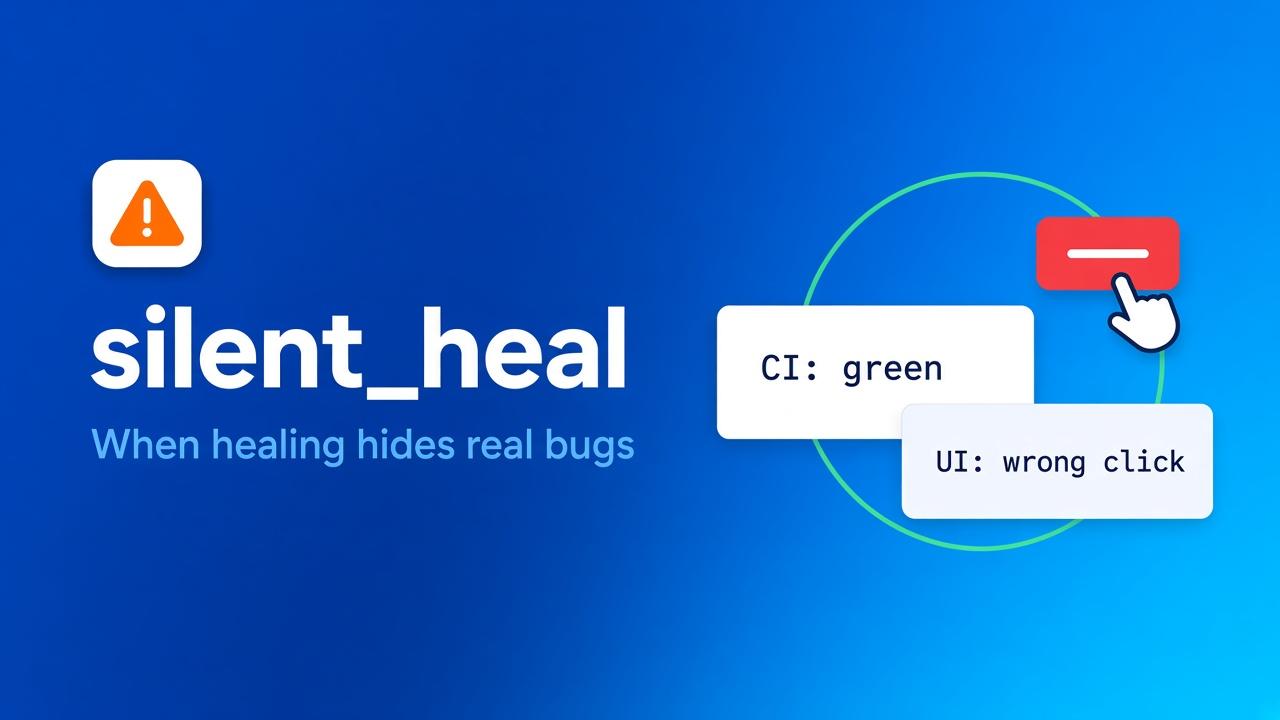
A failing UI test is noisy, but honest. The locator broke, the suite went red, and someone has to look.
Silent AI self-healing flips that. When a locator breaks, the tool finds a “similar” element, continues the run, and the build stays green. Sometimes that is a renamed ID. Sometimes it is the wrong button—or a missing one that should have failed the test.
That is the real cost of silent healing: false confidence. The suite looks healthy while the product is not.
This article explains how AI self-healing works, where it hides bugs, what it costs, and how to use it without turning CI into fiction. For a guarded Playwright implementation, see Self-Healing Tests with AI: Playwright Tutorial (2026). For related model failure modes, see AI Test Hallucinations: Detection and Fixes.
The problem in one sentence
Self-healing is useful when it recovers from cosmetic locator drift. It becomes dangerous when it recovers from a real product change and still reports pass.
| Situation | Honest test | Silent healer |
|---|---|---|
| Class renamed, same button | Fail → fix locator | Heal → pass (usually fine) |
| Button removed or replaced | Fail → investigate | Heal to neighbor → pass (dangerous) |
| Two similar “Checkout” buttons | Fail or wrong click with clear signal | Pick closest → pass with weak asserts |
A red build that says “element not found” is maintenance. A green build that clicked the wrong control is a production incident waiting to happen.
Why locators break
UI tests in Selenium, Playwright, Cypress, and Appium find elements with locators:
- Stable:
data-testid="checkout-btn", roles, accessible names - Fragile: positional XPath, layout-tied CSS, copy that changes often
Small product changes break fragile locators even when the feature still works for users: a renamed class, a new wrapper div, “Add to cart” → “Add to bag”, or a component-library upgrade.
Broken locators often account for a large share of UI automation failures (commonly cited around 15–30% in actively developed apps). That pain is why tools like Healenium, Testim, Mabl, Functionize, and various “smart heal” features exist.
Stable locators still come first. See Page Object Model 2026: Best Practices and Playwright Automation Framework from Scratch (2026).
How AI self-healing works
Most healers follow the same loop:
- Fingerprint the element on a good run (attributes, text, ARIA, nearby DOM, sometimes visuals).
- Detect a miss when the original locator finds nothing.
- Score candidates on the current page (overlap, text, DOM distance, visual similarity, or an LLM).
- Apply the best match if the score clears a threshold—then continue the test.
Better tools log original locator, healed locator, score, reason, and a screenshot. Weaker tools heal quietly.
There are two operating modes:
| Mode | Behavior | Risk |
|---|---|---|
| Runtime healing | Test continues; suite can stay green | Highest when threshold is low and logs are weak |
| Authoring-time healing | Suggests a code change or PR for review | Safer when humans must approve |
The riskiest setup is aggressive runtime healing + low confidence + weak logging.
Four ways silent healing hides bugs
1. Wrong neighbor
A fintech “Transfer Funds” button lost its stable ID in a redesign. The healer matched nearby “View Transactions” (similar style and class). The test clicked the wrong control and passed. Transfer was broken in production until a human noticed.
2. Missing element still “found”
If the real control is deleted, some tools still heal to a high-scoring neighbor—for example submit → reset on the same form. The test treats the element as present when it is gone.
3. Duplicate labels
After a redesign, two buttons say “Checkout” or “Save.” The healer picks the first or closest match. If assertions only check “page loaded” or a loose toContain, the wrong path still looks green.
4. Weak assertions after a good heal
Even a correct locator heal can hide a regression if the test never checks the outcome: order total, balance, success state, or next step. Healing can also soft-skip or skip steps in bad configurations, leaving a green suite with a live bug.
LLM healers are especially prone to confident wrong matches unless they can abstain (“element appears missing”). That sits next to the patterns in AI Test Hallucinations: Detection and Fixes.
In practice, many teams eventually disable healing on critical flows because false greens hurt more than brittle failures. One reported suite sat near a 97% pass rate while dozens of “passing” tests clicked the wrong elements.
What silent healing actually costs
- Escaped defects — green CI no longer means the feature works. Support, refunds, and regulatory risk follow.
- Lost trust — when production breaks after green builds, people stop believing the suite and add more manual testing.
- Hidden debt — locators in code go stale; the healing cache becomes the source of truth.
- Harder debugging — a later failure may be a real bug or a previous bad heal. “Healed 14 locators” is not enough. Use traces and clear reports—see Playwright Flaky Test Debugging in VS Code.
- Direct spend — LLM/vision calls scale with UI churn; engineers spend time chasing false greens.
- Wrong problem — timing, data, environment, and real regressions still dominate many failures. Healing does not fix those and can mask them.
Annoying red builds waste hours. Quiet wrong greens waste releases.
When self-healing is still worth it
Use healing for attribute or cosmetic drift when the element’s intent is unchanged:
idor class rename- wrapper markup change
- minor copy change with the same role and outcome
Do not treat healing as a substitute for:
- stable test IDs / roles on critical paths
- strong outcome assertions
- human review of permanent locator changes
Rules that keep healing safe
- Log every heal — original, new, score, reason, screenshot. Triage daily or weekly.
- Set a high threshold — ambiguous matches fail or go to review. Prefer tools that can say “removed.”
- Assert outcomes — order confirmed, balance updated, correct total—not only “click succeeded.”
- Restrict critical paths — payments, auth, compliance: disable healing or require review.
- Separate finding from judging — auto-heal locators carefully; never silently rewrite expected values.
- Measure — heal rate, false heals, accepted vs rejected. High heal volume means the UI contract or locators need work.
- Prefer better locators first —
getByRole, accessible names,data-testid. Healing should be a safety net, not the locator strategy. Tool context: Top 12 AI Testing Tools 2026.
Takeaway
Healing saves time when IDs and classes rename; that is a fair use.
Healing onto the wrong control—or a missing one—turns a loud failure into a quiet lie. The costly mistake is believing green CI.
Log every heal, assert outcomes, and tighten thresholds on payments and auth. Use healing as a net you review weekly, not as a substitute for stable locators.
Get the next guide in your inbox
Weekly AI testing insights, templates, and tool notes — unsubscribe anytime.